How To Change Your PlayStation Network Password
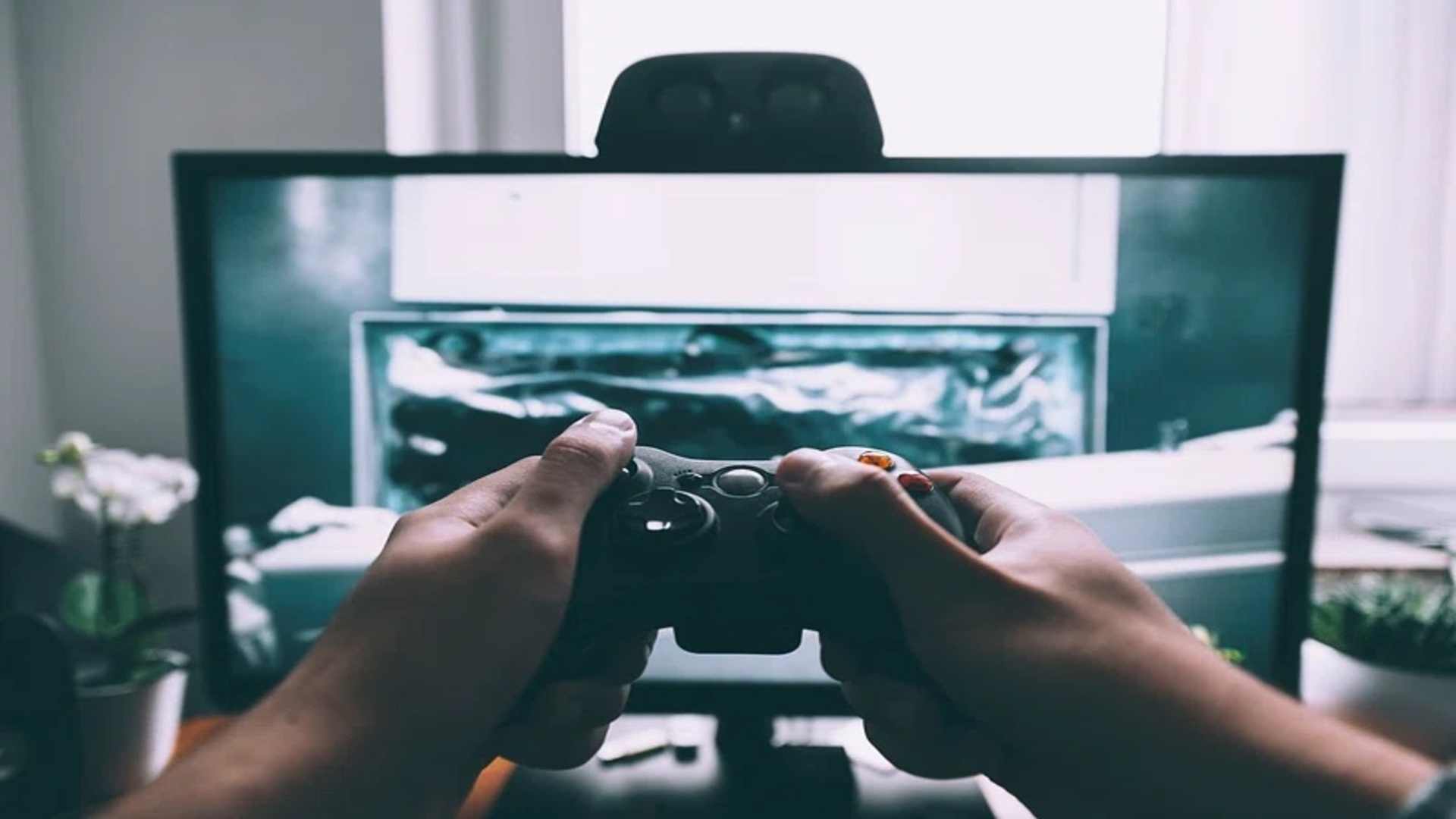
Maintaining strong digital security is essential for protecting your gaming achievements, digital purchases, and personal information on the PlayStation Network. Regularly updating your login credentials minimizes the vulnerability of your profile to unexpected data breaches and external cyber threats. Taking a few moments to update your credentials ensures an uninterrupted gaming experience across all connected consoles.
Updating Credentials Directly on a Web Browser
The most direct method to modify your account security details is by utilizing an official internet browser on a computer or mobile device. Begin by navigating to the account management section on the official Sony website and signing in with your current username. Once logged into the portal, look for the security tab located on the primary navigation menu to proceed.
Inside the security options panel, select the specific field designated for editing your current login passkey. You will be prompted to verify your existing credentials before entering a completely new, sophisticated sequence of characters. Save the recent adjustments immediately to apply the updated parameters to your active profile.
Modifying Security Codes via the PlayStation 5 Console
Gamers who prefer interacting directly with their console hardware can quickly adjust their profiles using the system menu on the dashboard. Turn on your console and navigate directly to the settings gear icon situated at the upper right corner of the home screen. From there, select the menu labeled for user profiles and accounts to view your configuration settings.
Proceed by clicking on the account options and selecting the security sub-menu located within the configuration list. The system will prompt you to input a fresh combination of characters to replace your outdated verification information. Confirm the changes using your controller to ensure the system locks in the fresh security criteria instantly.
Resetting Credentials If You Forget the Original Combination
It is common for players to occasionally misplace their login credentials after extended periods of automatic connectivity. If you find yourself locked out of your account, select the troubleshooting link located on the initial sign-in page to start the recovery procedure. The platform will require you to submit the original email address associated with your digital gaming profile.
An official verification message containing an authentic security link will be dispatched to your inbox shortly after submission. Click the link to answer your predetermined security questions or verify your identity through an alternative confirmation method. Once verified, the interface allows you to establish a secure combination to regain full access to your game library.
Enhancing Your Gaming Profiles with Advanced Safety Features
Establishing a fresh passkey is an excellent baseline, but activating multi-factor verification provides an indispensable secondary layer of defense against intruders. This feature demands a unique, time-sensitive code sent directly to your mobile phone whenever a new login attempt occurs. Implementing this measure drastically reduces the risk of unauthorized remote access to your payment methods.
Additionally, practicing good password hygiene by avoiding the repetition of characters across multiple websites prevents widespread security complications. Make sure your newly chosen phrase incorporates a healthy mixture of numeric symbols, capitalization shifts, and distinct characters. Regular auditing of your account settings keeps your digital assets entirely safe from evolving online dangers.